AvGrav's chrome fuel-drop app icon
AvGrav: API Fuel Gravity Calc.
FOR FUELERS · FBOs · AIRPORTS

API Fuel Gravity, Corrected in Seconds

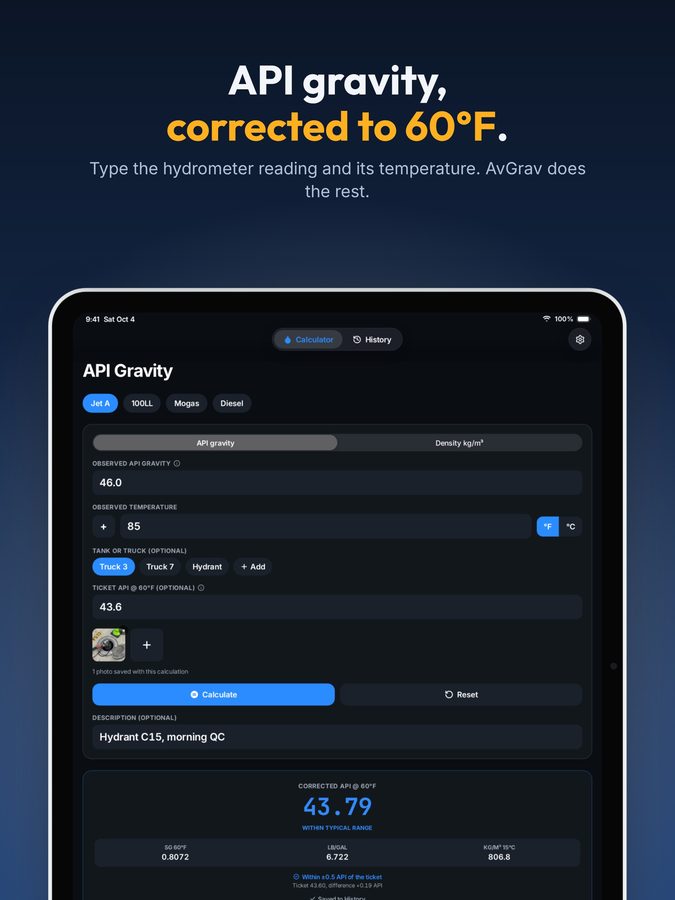
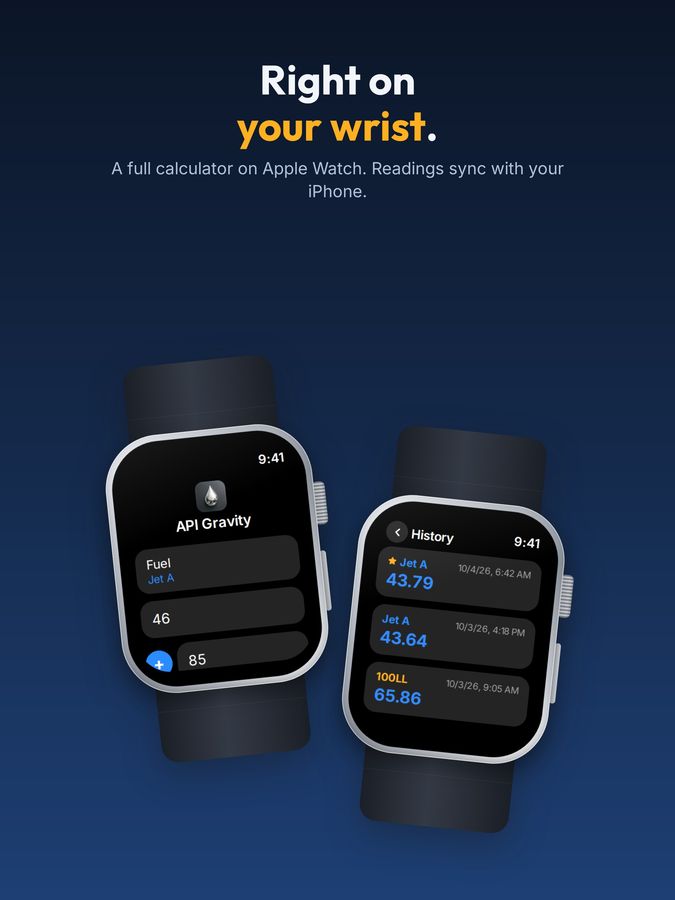
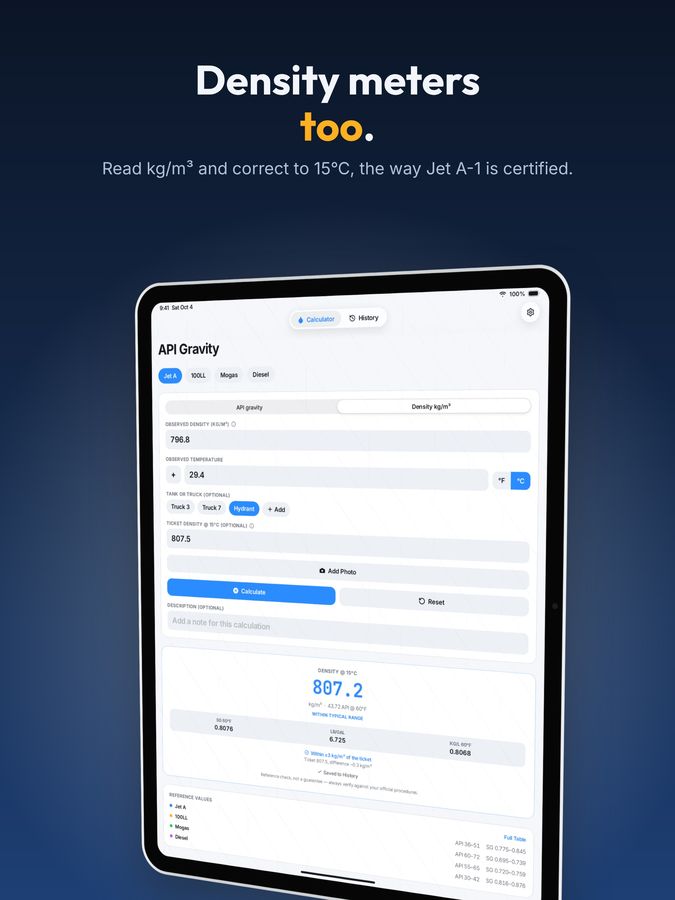
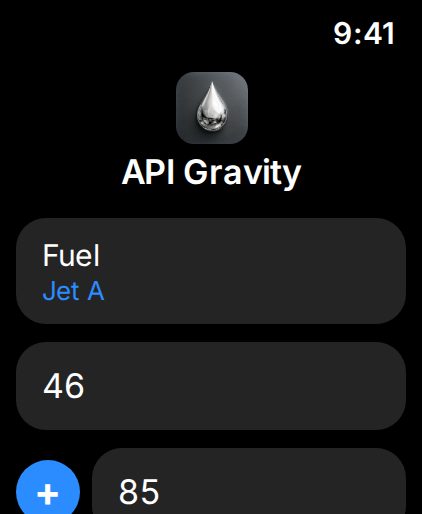
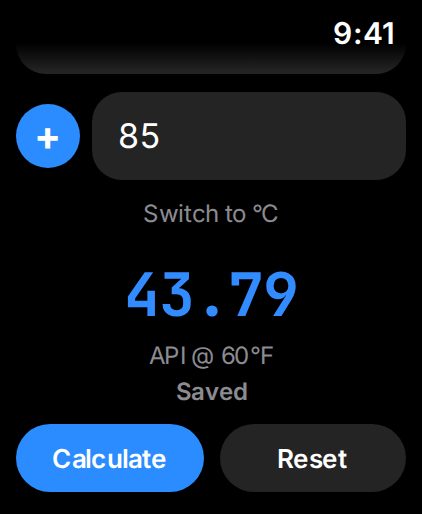
The premier API fuel gravity calculator for fuelers, technicians, and FBOs. Enter your hydrometer reading and the sample temperature and get the corrected value at 60°F (or density at 15°C) instantly, with an Apple Watch app for calculations out on the ramp. Try it right below.

Try it
LIVE MATH
Hydrometer type
Corrected API @ 60°F
—
SG 60°F
–
lb/gal
–
kg/L 60°F
–

Reference only, the same math as the app: API MPMS Chapter 11.1, Table 6B (API at 60°F) or Table 53B (density at 15°C), with the standard glass hydrometer correction. Always confirm against your organization's official procedures before accepting or rejecting fuel.
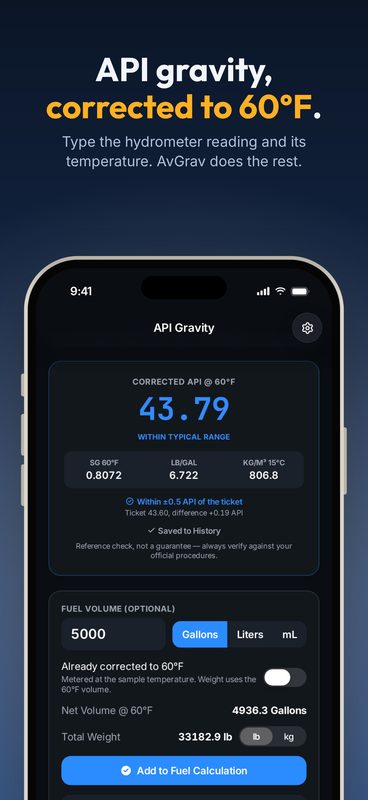
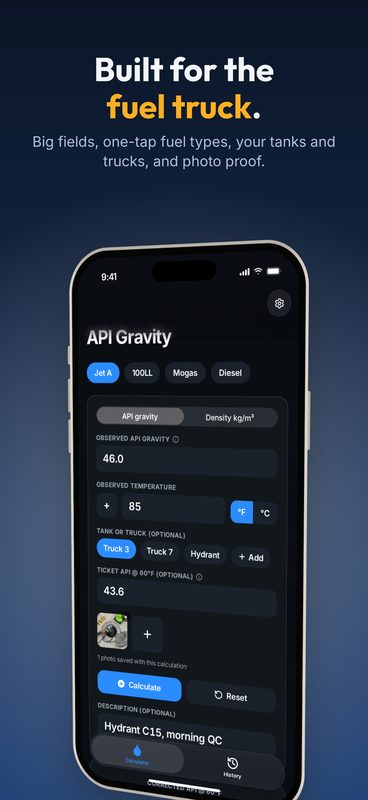
Screenshots

See it before you fuel

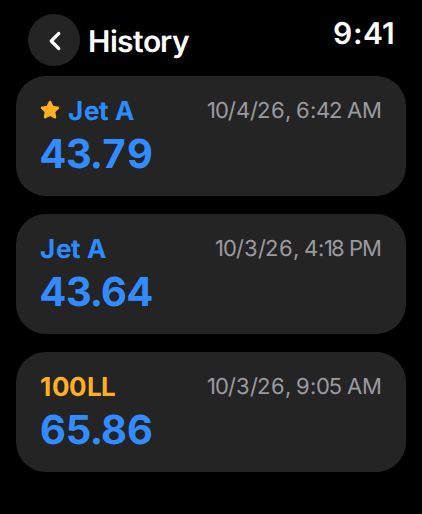
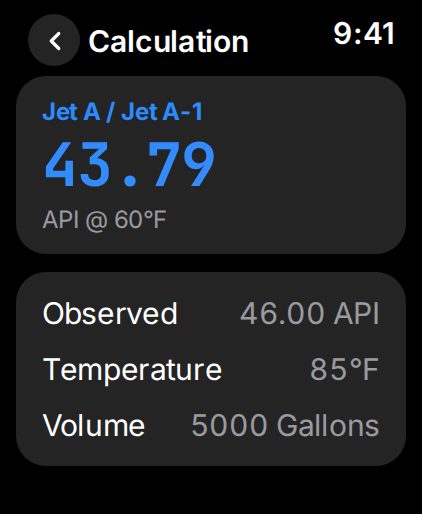
AvGrav on iPhone, iPad, and Apple Watch. Swipe through, or pick your device.

Why AvGrav exists

A field-ready tool for fuelers, technicians, and QA personnel

AvGrav is the modernized, field-ready API fuel gravity calculator designed specifically for aviation line service technicians, FBO operations, and quality assurance personnel. Built from the ground up, AvGrav delivers instant, precise fuel density calculations right on your phone. Whether you're handling Jet-A, 100LL, Mogas, or Diesel, AvGrav calculates all your needs, using the published API MPMS Chapter 11.1 correction: API gravity corrected to 60°F (Table 6B), or a density reading corrected to 15°C (Table 53B), the reference most of the world uses for Jet A-1.

Everything included

One purchase. Nothing held back.

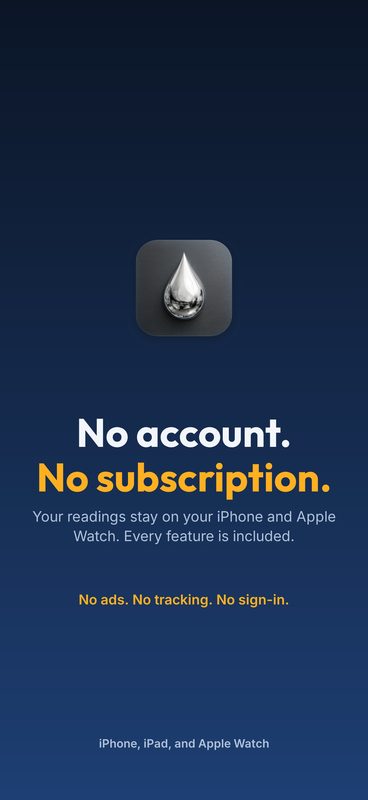
No subscription, no in-app purchases, no ads.

Measure

CALCLive or manual API gravity correction
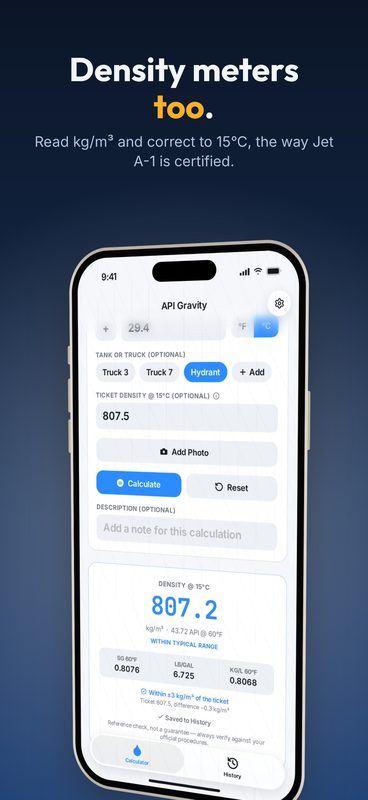
DENSDensity hydrometers too: kg/m³ corrected to 15°C
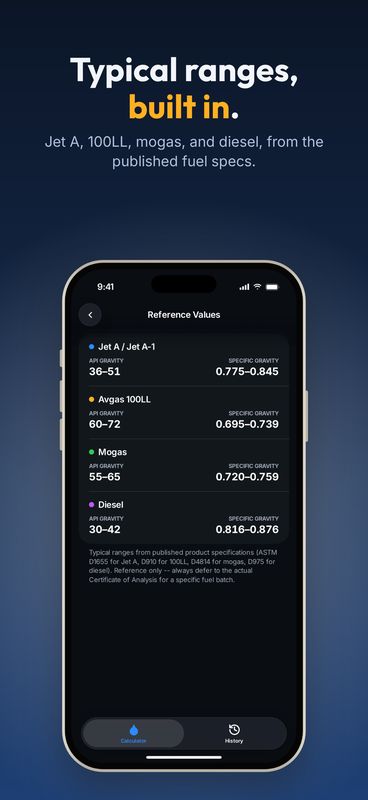
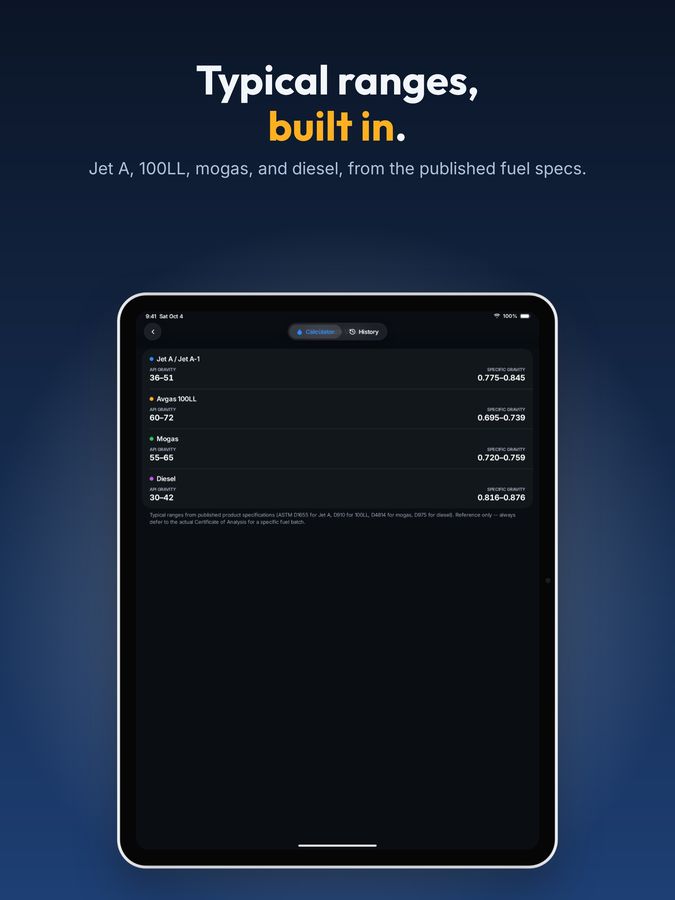
FUELJet-A/Jet A-1, Avgas 100LL, Mogas, Diesel
CLRColor-coded results: normal, marginal, out of range
REFBuilt-in reference table, every fuel type
VOLFuel volume, net 60°F volume & total weight

Record

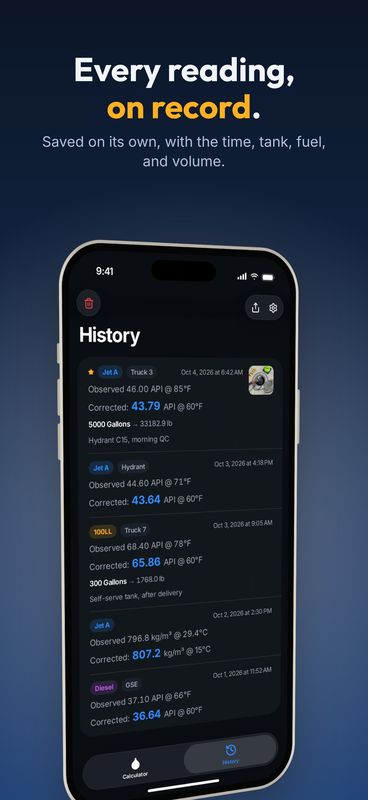
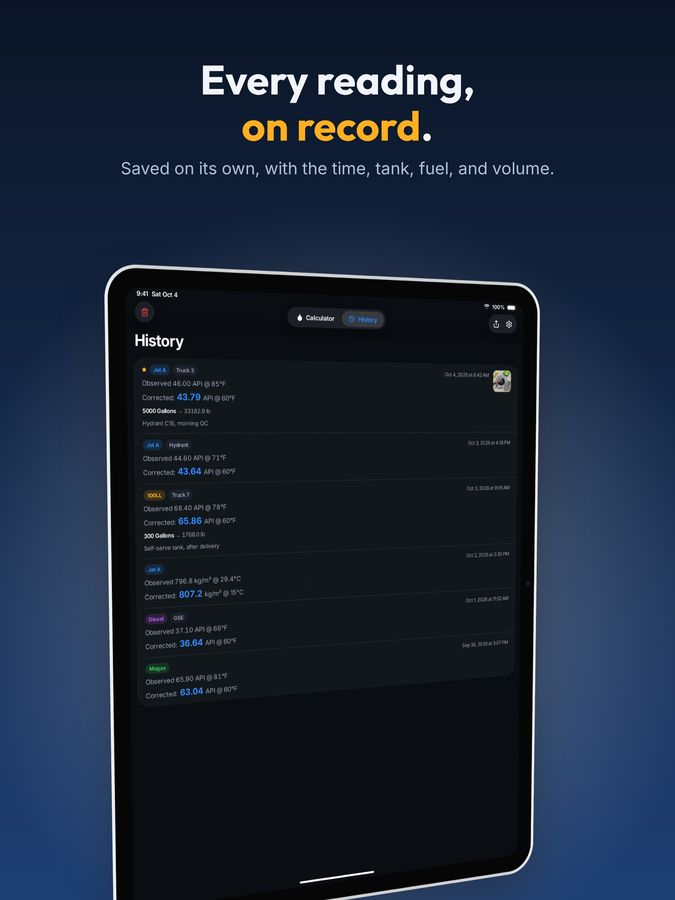
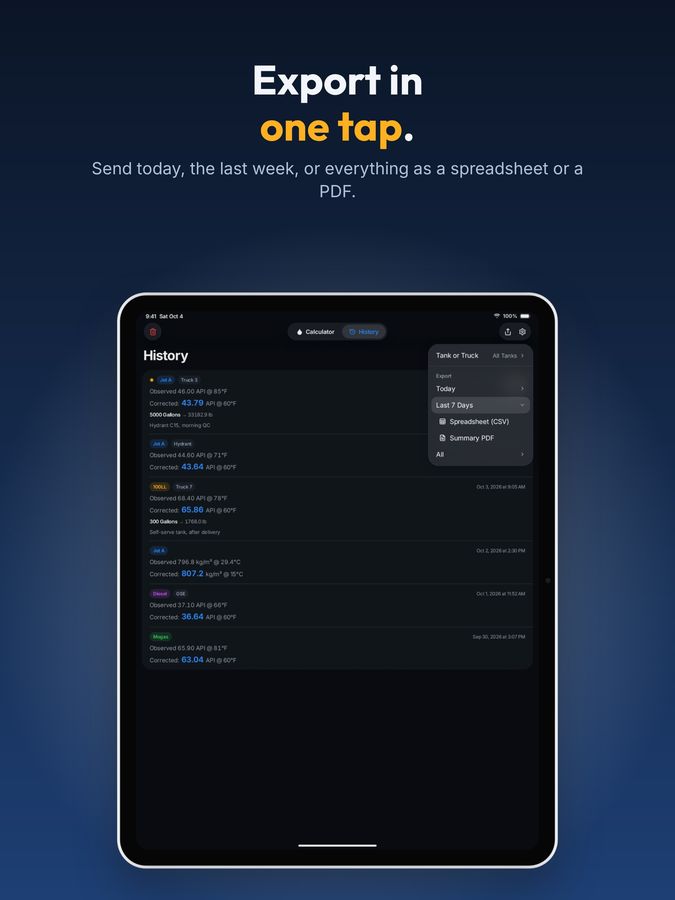
HISTHistory tab: every past calculation at a glance
TANKSaved tanks and trucks, one tap per reading
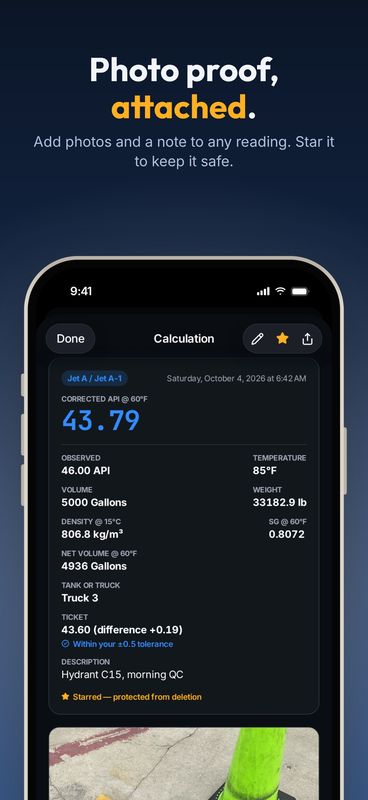
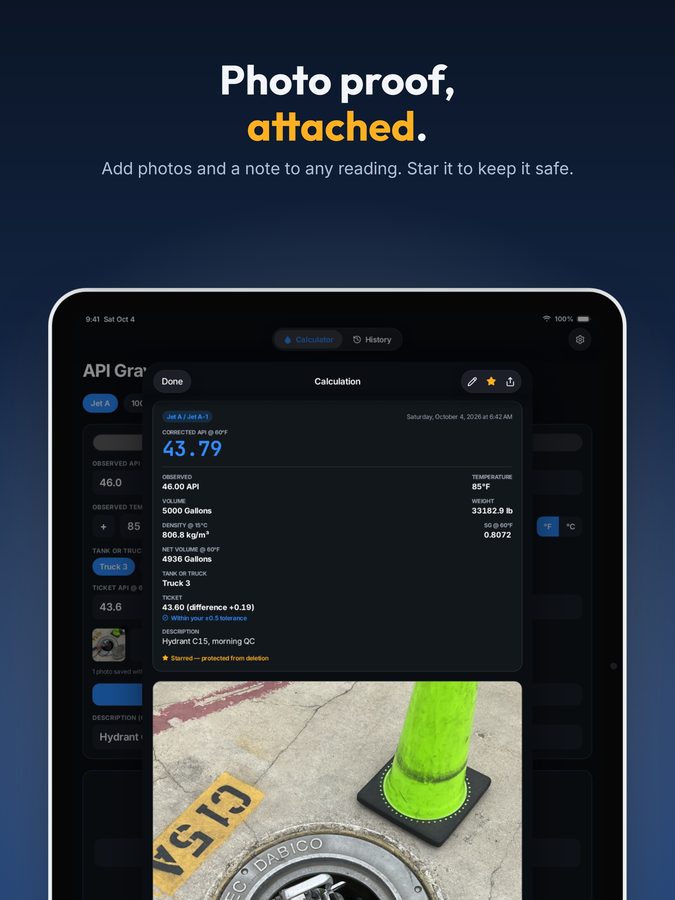
PICAdd photos & descriptive text for documentation
EDITEdit a saved reading, every change timestamped
STARStar a reading to protect it from deletion
TKTCompare to the delivery ticket, with your own tolerance

Share

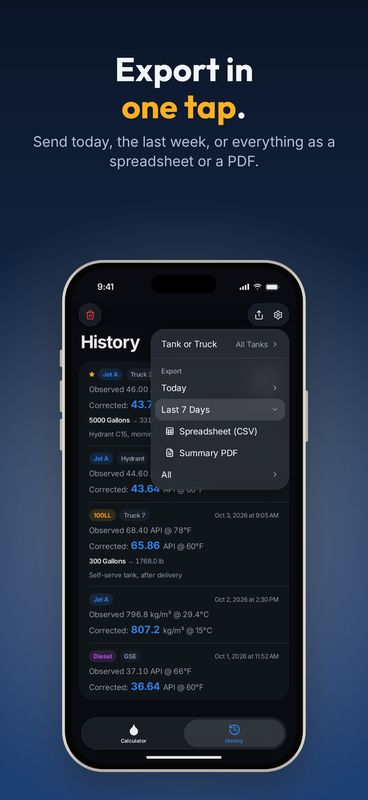
CSVExport History as a spreadsheet or a summary PDF
SHRSend a professional export to any device

Devices

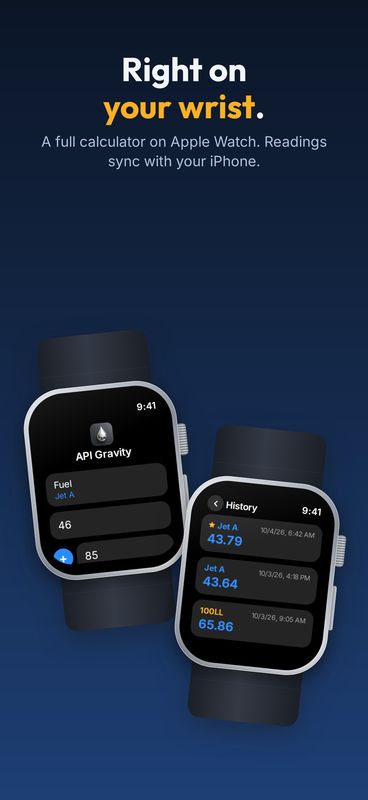
WCHApple Watch companion, with History synced to your iPhone
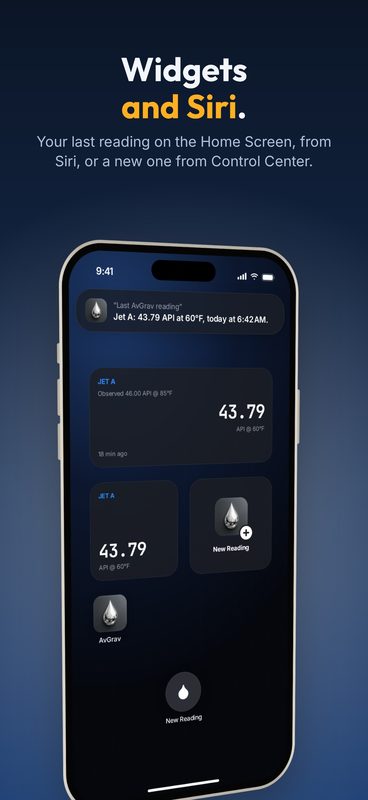
WDGTHome Screen widget, incl. tap-to-launch
SIRISiri, Shortcuts, and a Control Center button
GLRAviation-first, high-contrast design for outdoor glare
One-time purchase: $0.99. No subscriptions, no ads, no recurring fees.
For line service

Guides for the fuel farm and the ramp

How AvGrav fits the checks line crews already do, from a delivery at the fuel farm to a pound request on the ramp.

Also by the same developer

AvClock app icon
DEP / ARR · ALL AIRPORTS · WORLDWIDE

AvClock: Global Airport Times

The world clock built for aviation and AvGeeks alike — track local time, UTC/Zulu, live weather, and airport status for any airport on Earth, beautifully and at a glance.

Frequently asked questions

Does the formula change per fuel type?

Not by the fuel type you pick. All four are refined products, so they all use the standard refined-products table (Table 6B). That table sets how much a fuel expands with heat by its density, in four bands: gasolines like 100LL and mogas, a narrow transition band, jet fuels, and heavier fuel oils like diesel. AvGrav picks the band from the reading itself, the same way the printed tables do. The fuel type you pick sets the typical range the result is checked against.

Is this a certified measurement instrument?

No. AvGrav is a reference and convenience tool, not a substitute for a calibrated physical hydrometer, thermometer, or your organization's official fuel-acceptance procedures. Always confirm results against official procedures before an acceptance or rejection decision.

Is this a subscription?

No. AvGrav is a single one-time purchase. No recurring charges, ever.

Does AvGrav collect my data?

No. AvGrav makes no network requests at all. There are no accounts, no analytics, and no server. Every calculation and every photo stays on your own devices; History syncs directly between your iPhone and your paired Apple Watch, and nowhere else.

Is there an Apple Watch app?

Yes, a full Watch app with its own calculator, history, and a complication that launches straight into a new reading. History syncs between the Watch and your iPhone, so a reading taken on either shows up on both.

Download AvGrav